




Trusted by





Improve your Business with Marketing Services


Our Methodology
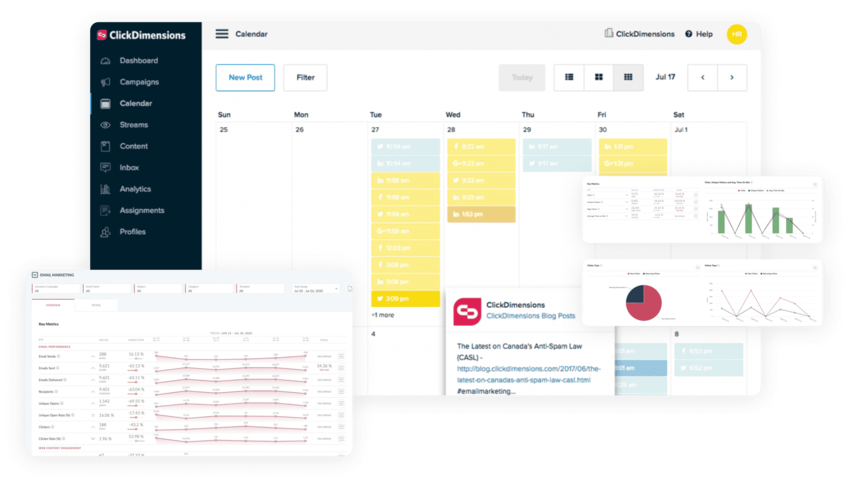
ClickDimensions helps SMBs take back control of their leads by giving them a way to reach every target, see every interaction, and connect everything together. That’s why over 3,000 organizations across the globe trust ClickDimensions.

Reach Every Lead
By communicating with each of your audiences the way they want to be communicated with.

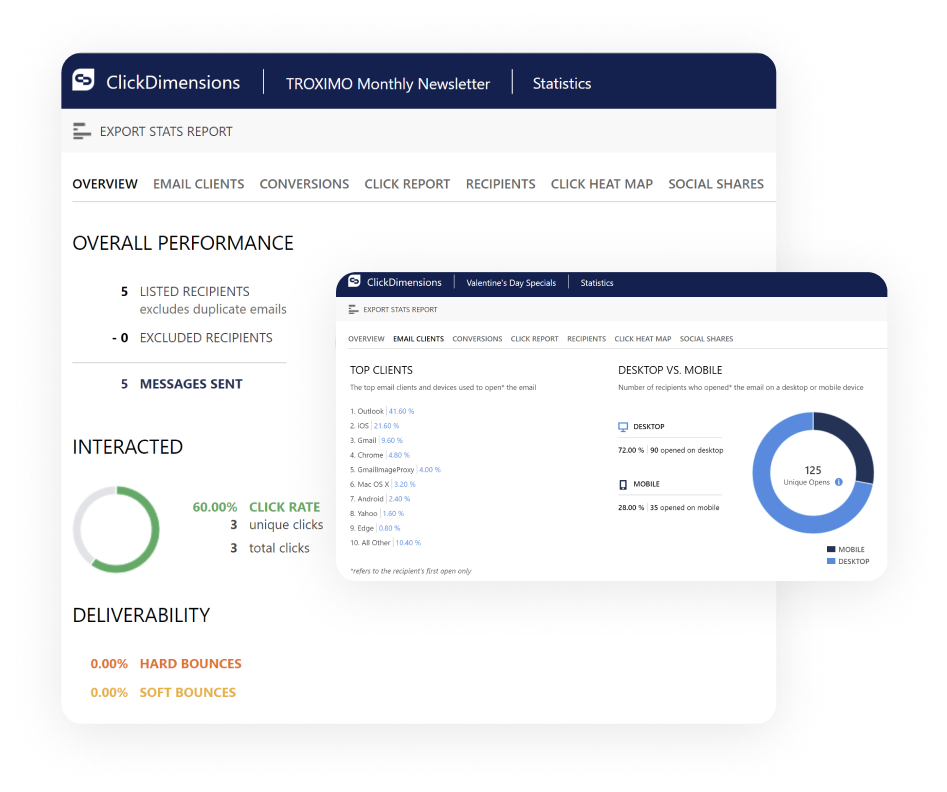
See Every Action
With real-time revenue intelligence across the entire buyer’s journey all in one place.

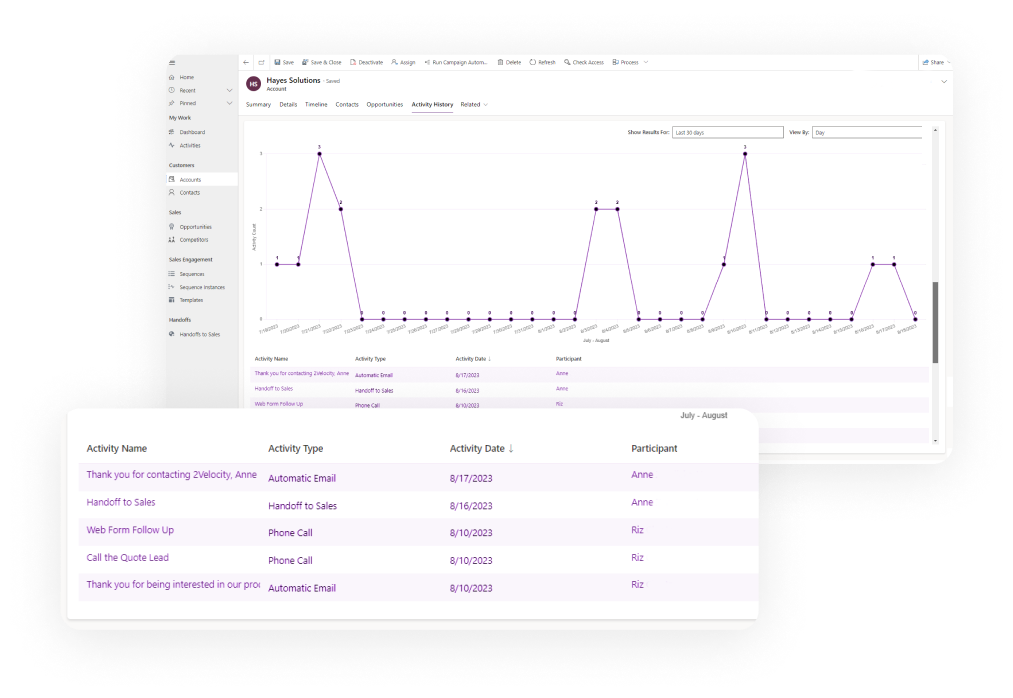
Connect Everything Together
By integrating all your sales and marketing activities and creating a single, unified experience for your customers.
What Our Customers Say